Home Office Setup Ideas: 25 Inspiring Setups for Every Budget
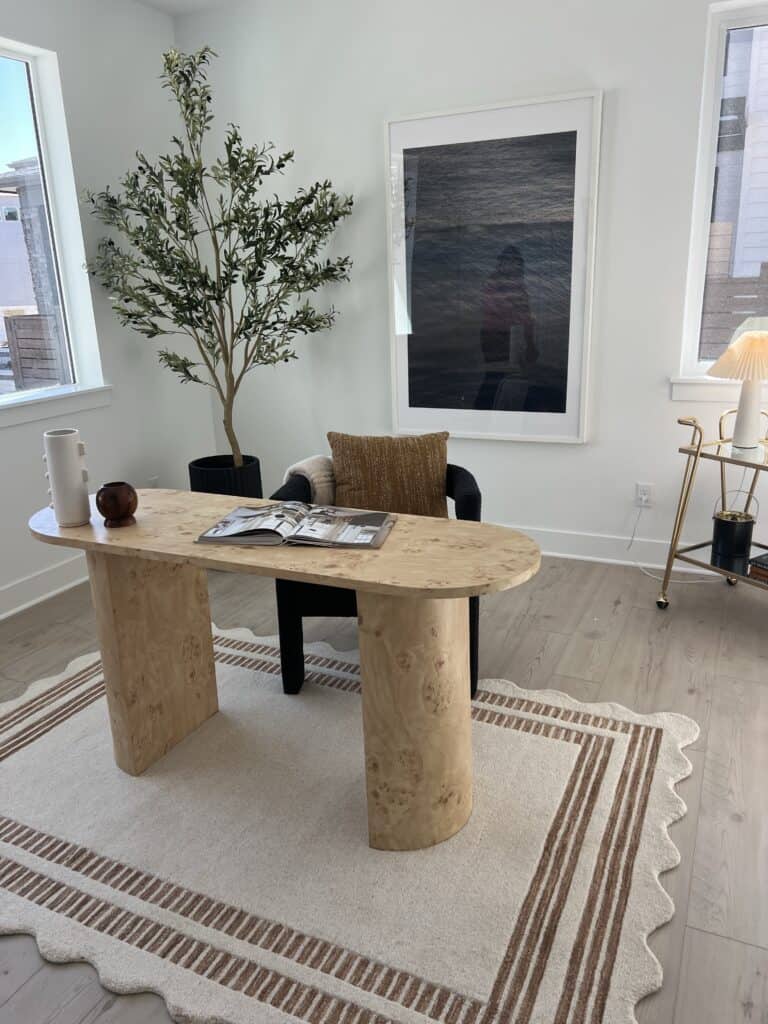
I spent six months working from a wobbly IKEA desk shoved into the corner of my bedroom. My back hurt. My laptop screen was too low. I couldn’t focus because my “office” was also where I slept, scrolled Instagram, and folded laundry.
A proper home office setup changed everything — and it didn’t require a full room or thousands of dollars. It required being intentional about a few key decisions: where I worked, how high my desk sat, and what I kept within arm’s reach.
This guide walks through 25 real home office setup ideas organized by budget, style, and space size. You’ll see what works for small apartments, tight budgets, and people who want their workspace to actually look good. Before you spend a dollar, grab the [free Home Office Setup Checklist](/free-checklist) — it covers everything in this guide in a printable, room-by-room format.
What makes a great home office setup? A great home office setup includes a dedicated workspace, a desk at proper ergonomic height (elbows at 90 degrees), task lighting that reduces screen glare, and organized storage to keep your workspace clear. The best setups prioritize function first, then add style.
What Makes a Great Home Office Setup?
Before diving into specific setups, let’s establish what actually matters.
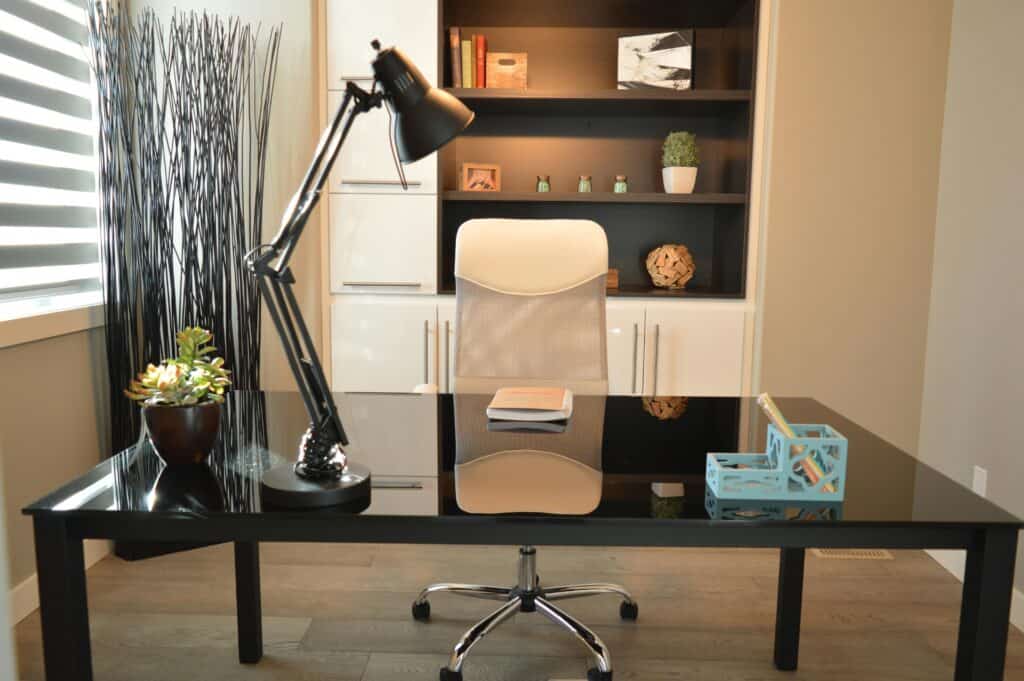
A great home office setup has four foundations:
1. Dedicated space. It doesn’t need to be a full room — a corner, a closet nook, or a section of your bedroom works. The key is separation. When you sit there, your brain knows it’s work time.
2. Proper desk height. Your elbows should sit at 90 degrees when typing. Most dining tables and kitchen counters are too high. Most coffee tables are too low. This one adjustment eliminates neck and wrist pain.
3. Lighting that doesn’t create screen glare. Natural light is great — unless it’s hitting your monitor at 2pm. A simple desk lamp or adjustable overhead light solves this.
4. Storage within reach. Papers, chargers, notebooks — if they don’t have a home, they pile up. A single drawer or desktop organizer is enough to start.
Everything else — the chair, the monitor, the plants — builds on these four. If you want to go deeper into posture, screen distance, and chair support, I cover all of it in Sorry, But Your Desk Posture Is Actually Kind Of A Big Problem.
Home Office Setup Ideas by Budget
Under $300 — The Functional Starter Setup
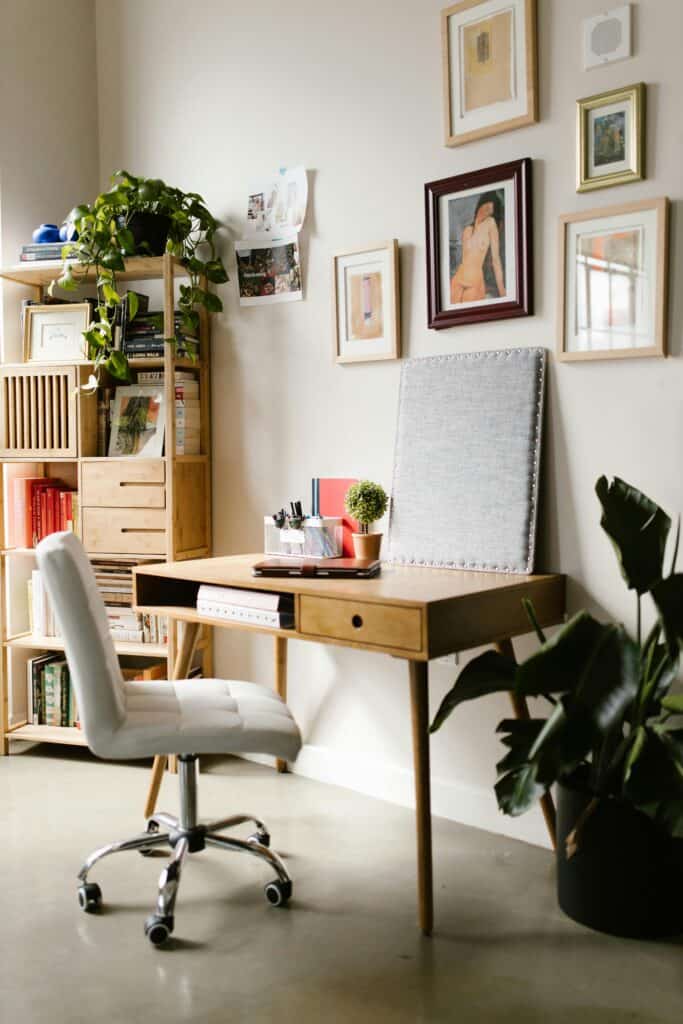
You don’t need much to build a workspace that actually works.
Start with a simple writing desk — nothing fancy, just a flat surface at the right height. Add a used office chair from Facebook Marketplace or a basic task chair from Amazon. Use your laptop on a $20 stand to bring the screen to eye level, and add a wireless keyboard so your arms stay comfortable.
For storage, a small bookshelf or a set of desktop organizers keeps cables and supplies contained. A clip-on desk lamp handles lighting.
This setup costs $250–$300 total and covers every functional need. It’s not Instagram-ready, but it works. I used a version of this for two years before upgrading, and my productivity was never the issue.
If you want a full breakdown with specific product picks and layout ideas, check out Complete Home Office Setup Under $500 — it includes templates for arranging furniture in small spaces.
$300–$750 — The Upgraded Daily Driver

This is where standing desks and ergonomic chairs enter the picture.
A quality standing desk changes how your body feels after an eight-hour day. You don’t need the $1,200 models — solid electric desks in the $400–$600 range adjust smoothly, hold 200+ pounds, and last for years. Pair it with a mid-tier ergonomic chair ($150–$250), and you’ve got a setup that supports your back, lets you switch positions, and doesn’t fall apart after six months.
Add a monitor arm to free up desk space and position your screen exactly where you need it. Toss in a cable management tray, a desk pad, and better lighting.
This range is the sweet spot for most remote workers. You’re investing in the pieces that matter — desk and chair — without overspending on aesthetics.
For specific standing desk recommendations with real pros and cons, see Best Standing Desks for Home Office in 2026.
$750–$1,500 — The Serious Workstation

At this level, you’re building a workspace that looks intentional and feels premium.
You’re choosing home office furniture collections that match — desk, storage cabinet, and shelving units in the same finish. You’re upgrading to a chair with full lumbar support and adjustable armrests. You’re adding a second monitor, better speakers, and thoughtful touches like a wooden desk organizer or a planted succulent.
This is where people start treating their home office like an actual room, not a corner they tolerate.
If you like the idea of a cohesive look without hunting down individual pieces, [Home Office Furniture Sets: 10 Complete Collections](/home-office-furniture-collections) breaks down matching furniture options by style and price. These home office furniture collections simplify decision-making and often save money compared to buying everything separately.
L-shaped desks and corner desks fit here too — they maximize surface area without eating up floor space. If you’re working with an awkward room layout, check out [Best Corner Desks for Home Office](/best-corner-desks-home-office) and [Best L-Shaped Desks for Home Office](/best-l-shaped-desks-home-office).
$1,500+ — The Dream Setup

This is aspirational territory — the kind of workspace you’d show off in a house tour.
Think custom-built desks, premium ergonomic chairs like the Herman Miller Aeron, ultrawide monitors, acoustic panels, and furniture that’s equal parts functional and beautiful. These setups often include smart lighting, high-end cable management, and decor that makes the space feel like it belongs in a design magazine.
You don’t need this to be productive. But if you spend 40+ hours a week at your desk and you have the budget, investing in a space you genuinely love being in pays off in focus and mood.
Free Download: The Home Office Setup Checklist — everything you need before spending a dollar. [Get it free →](/free-checklist)
Free Download: The Home Office Setup Checklist — everything you need before spending a dollar. [Get it free →](/free-checklist)
Home Office Setup Ideas by Style
Minimalist Home Office Setup
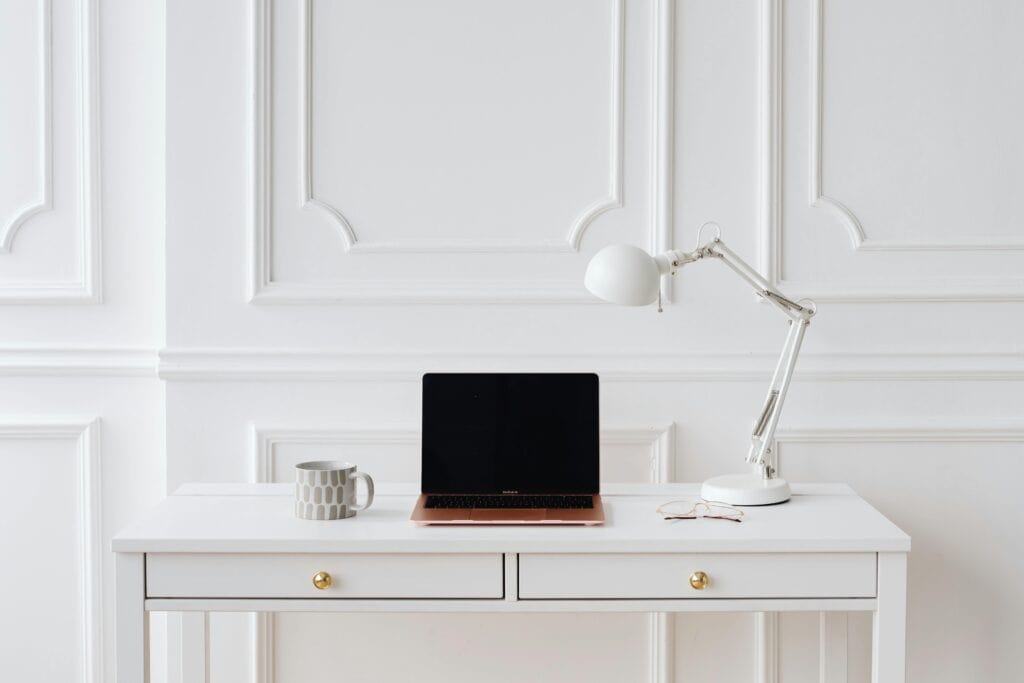
Clean lines. Neutral tones. Nothing on the desk except what you’re actively using.
A minimalist home office setup starts with a simple desk — often white, black, or natural wood — and eliminates visible clutter. Cables are hidden. Supplies live in closed drawers. The monitor, keyboard, and a single plant are the only things on display.
This style works especially well in small spaces because it makes the room feel bigger. It also forces you to stay organized — there’s nowhere to hide mess.
To pull it off, invest in good cable management and closed storage. A desk with built-in drawers or a floating shelf keeps surfaces clear.
Aesthetic Home Office Ideas

This style prioritizes how the space looks in photos — and that’s not a bad thing if it makes you excited to sit down and work.
Aesthetic home office setups mix function with visual appeal: a velvet chair, gold desk accessories, framed art, layered lighting, and a color palette that feels cohesive. Think soft neutrals, blush tones, or moody dark walls with warm lighting.
The trick is making sure it’s still comfortable. A beautiful chair that hurts your back after an hour isn’t worth it. Same with a desk that’s too small to fit your laptop and a notebook.
For more inspiration tailored to this style, see [Aesthetic Home Office Ideas for Women WFH](/aesthetic-home-office-ideas-women).
Cozy Home Office Setup

Cozy setups feel like a reading nook that happens to have a desk in it.
You’re adding texture: a soft rug under your chair, a knit throw on the back of your seat, warm lighting from a table lamp instead of overhead fluorescents. Wood tones, plants, and personal touches like framed photos or a favorite mug make the space feel lived-in.
This style works well for people who find sterile, minimalist spaces uninspiring. If you need your environment to feel warm to focus, lean into it.
Modern Home Office Setup
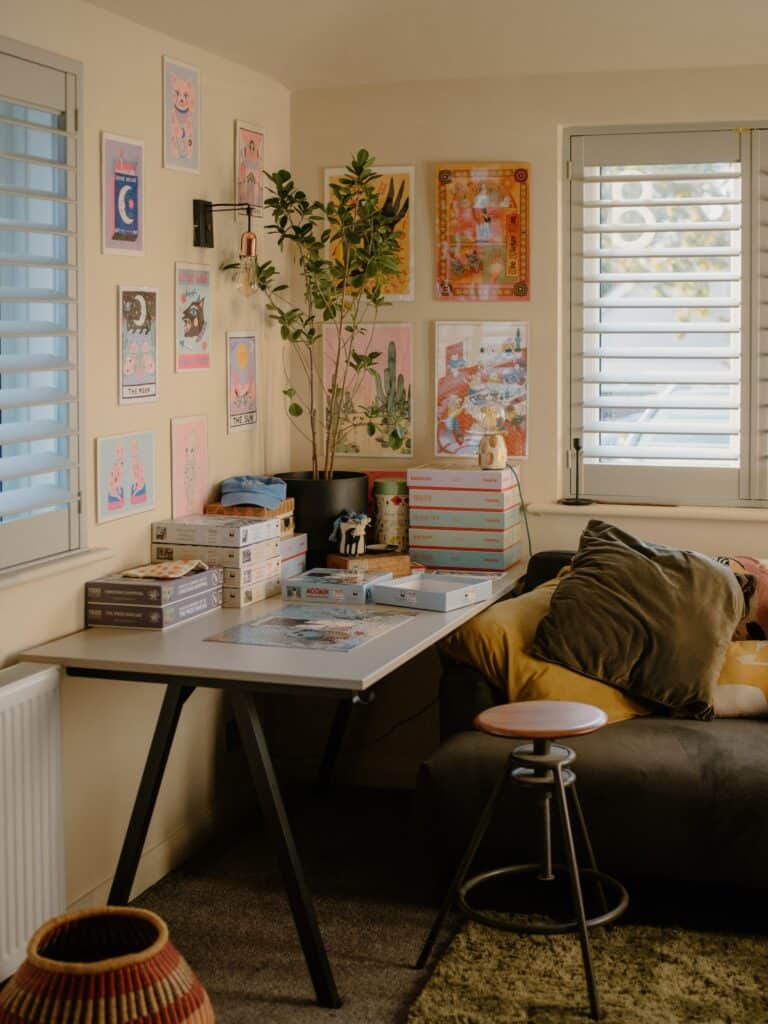
Sleek, streamlined, and tech-forward.
Modern setups often feature standing desks with clean lines, monochromatic color schemes, and high-tech accessories like wireless charging pads, smart lighting, and ultrawide monitors. The look is polished and professional without feeling cold.
This style pairs well with open floor plans and loft-style spaces where the office is visible from other rooms.
Home Office Setup Ideas for Small Spaces

You don’t need a dedicated room to build a functional workspace — you just need to be smart about the space you have.
Corner desks are the MVP of small home offices. They tuck into unused corners and give you an L-shaped work surface without taking up the center of the room. Some models include built-in shelving that goes vertical instead of wide.
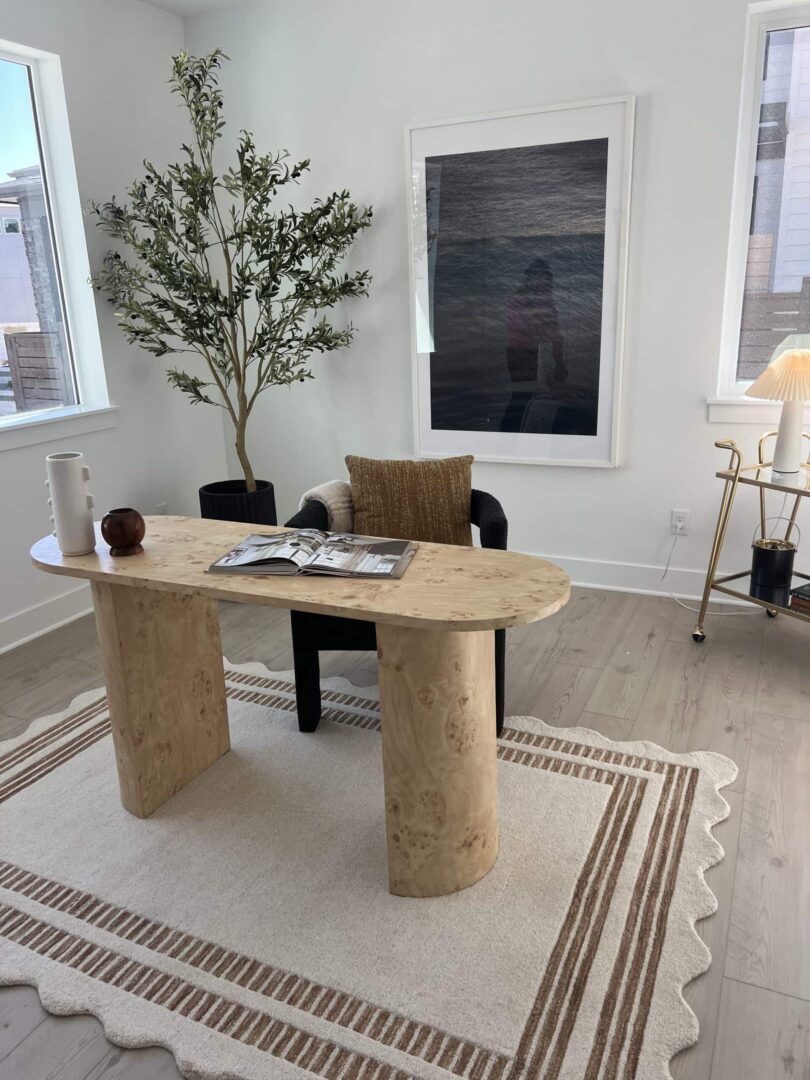
I-shaped desks — narrow, wall-mounted desks that run along a single wall — work in hallways, closets, and bedroom alcoves. Pair one with floating shelves above it, and you’ve got a full workstation in 18 inches of depth.
Wall-mounted desks fold up when not in use. I’ve seen people install these in kitchens, laundry rooms, and even large closets. They’re ideal if you need your workspace to disappear at the end of the day.
L-shaped desks give you two work surfaces — one for your computer, one for writing or spreading out notes — without requiring more floor space than a traditional rectangular desk.
The key to small-space setups is going vertical. Use wall-mounted shelves, pegboards, and monitor arms to keep your desk surface clear. Every inch you free up makes the space feel bigger.

For layout ideas and specific product picks, see [Small Home Office Ideas: 15 Smart Setups for Tight Spaces](/small-home-office-ideas).
The One Thing Most Home Office Setups Get Wrong
Most people design their home office for aesthetics first and comfort second. They pick a desk because it looks good, a chair because it matches, and a monitor because it fits on the surface.
Then they sit down for eight hours and realize their neck hurts, their wrists ache, and they can’t focus because the setup doesn’t actually support how they work.
The biggest mistake is ignoring ergonomics — specifically, desk height, screen distance, and lumbar support.
Your desk should allow your elbows to rest at 90 degrees when typing. Your monitor should sit at arm’s length with the top of the screen at or slightly below eye level. Your chair should support the natural curve of your lower back.
These aren’t optional upgrades — they’re the foundation. A $200 desk at the wrong height will hurt you. A $50 desk at the right height won’t.
If you want to make sure you’ve covered everything before buying, the [free Home Office Setup Checklist](/free-checklist) walks you through every decision in order — desk height, chair adjustments, lighting, storage, and layout. It’s everything on this page in a single printable doc.
Frequently Asked Questions
What do I need for a good home office setup?
You need four things: a desk at proper ergonomic height, a supportive chair, task lighting that reduces glare, and organized storage. Everything else — monitors, decor, cable management — enhances the basics but isn’t required to start.
How do I set up a home office on a budget?
Start with a simple writing desk and a used office chair. Use a laptop stand and wireless keyboard to improve posture without buying a monitor. Add a desk lamp and a small organizer for supplies. A functional setup costs $200–$300.
What is the best desk for a home office?
The best desk depends on your space and work style. Standing desks work well for people who want to alternate positions. L-shaped and corner desks maximize surface area in small rooms. I-shaped desks fit narrow spaces like closets and hallways.
How do I make my home office look nice?
Keep cables hidden with a cable management tray or clips. Add one or two plants. Choose a cohesive color palette — neutrals, woods, or a single accent color. Keep your desk surface clear except for what you’re actively using. Good lighting and a few personal touches go a long way.
Start Building Your Setup
A great home office setup doesn’t happen all at once. You don’t need to spend $2,000 in a weekend or wait until you can afford the dream desk.
Start with the basics — a proper desk height, a chair that supports your back, and lighting that doesn’t strain your eyes. Build from there as your budget and space allow. The goal isn’t perfection. It’s creating a space where you can focus, feel comfortable, and actually want to sit down and work.
If you’re not sure where to start, the [free Home Office Setup Checklist](/free-checklist) breaks it all down step by step. It’s everything on this page in a single printable doc — room layout, furniture measurements, budget planning, and a shopping list. It’s free to download and takes the guesswork out of the process.